Background and brand
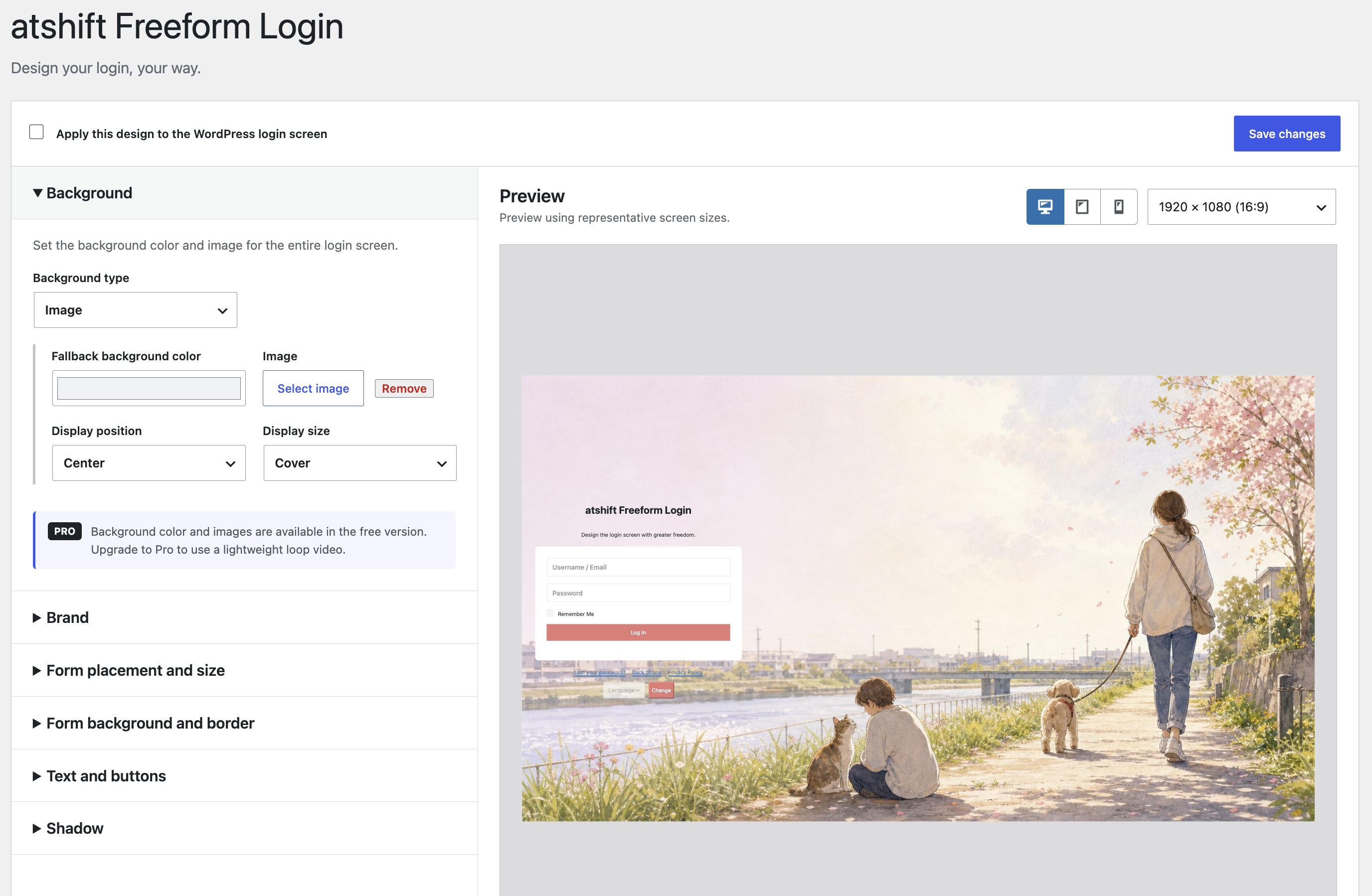
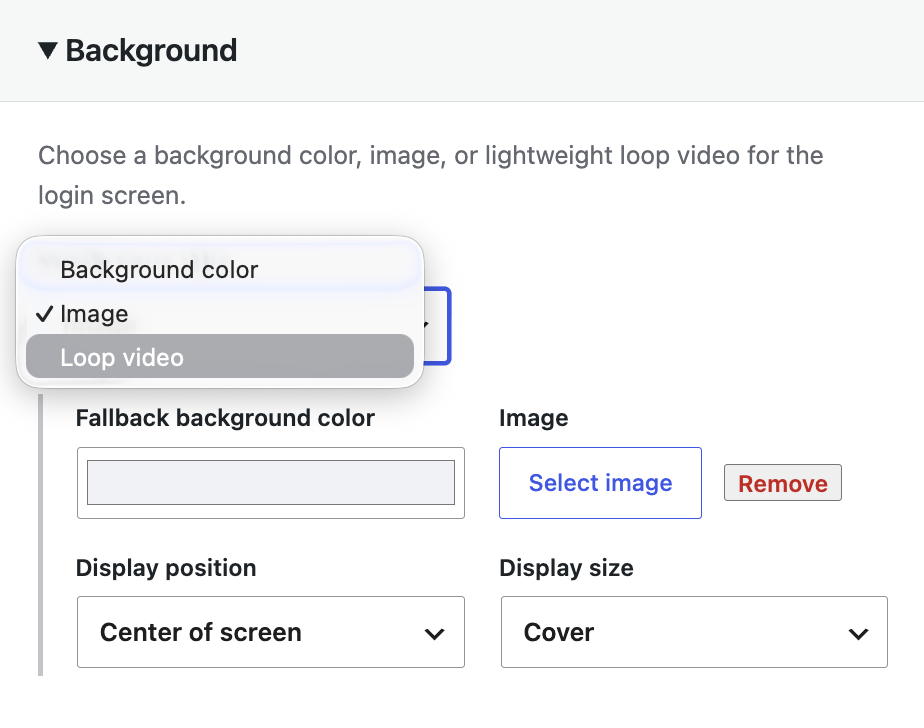
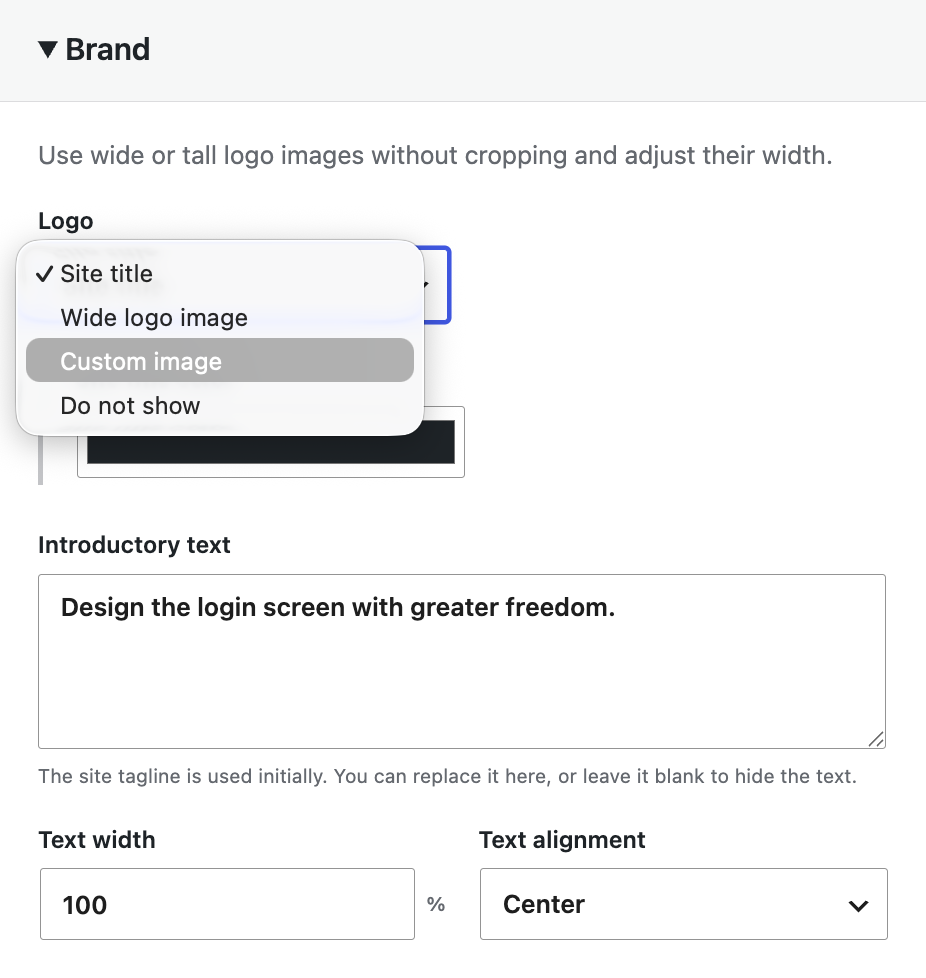
Use a background color, background image, and site title to turn the default WordPress screen into a site-specific login experience.
Design your login, your way.
Match the background, brand, form, and placement to your site while keeping WordPress authentication intact. Place the same login form inside pages and posts with a shortcode.

Adjust the whole login screen and its form while watching a dedicated preview. Switch between representative desktop, tablet, and mobile ratios to check placement.
Use a background color, background image, and site title to turn the default WordPress screen into a site-specific login experience.
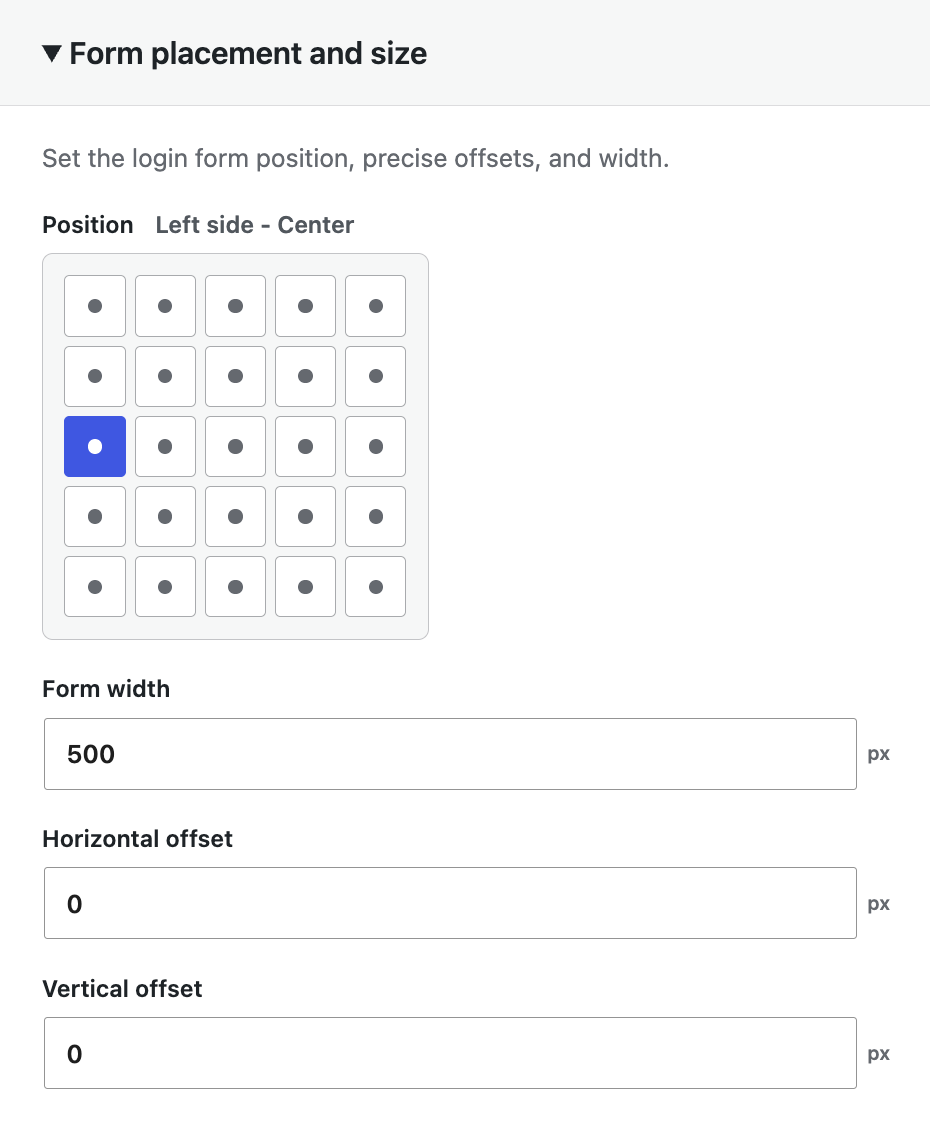
Choose one of nine anchor positions and set the form width. On narrow screens, the form adapts to the available width while preserving side margins.
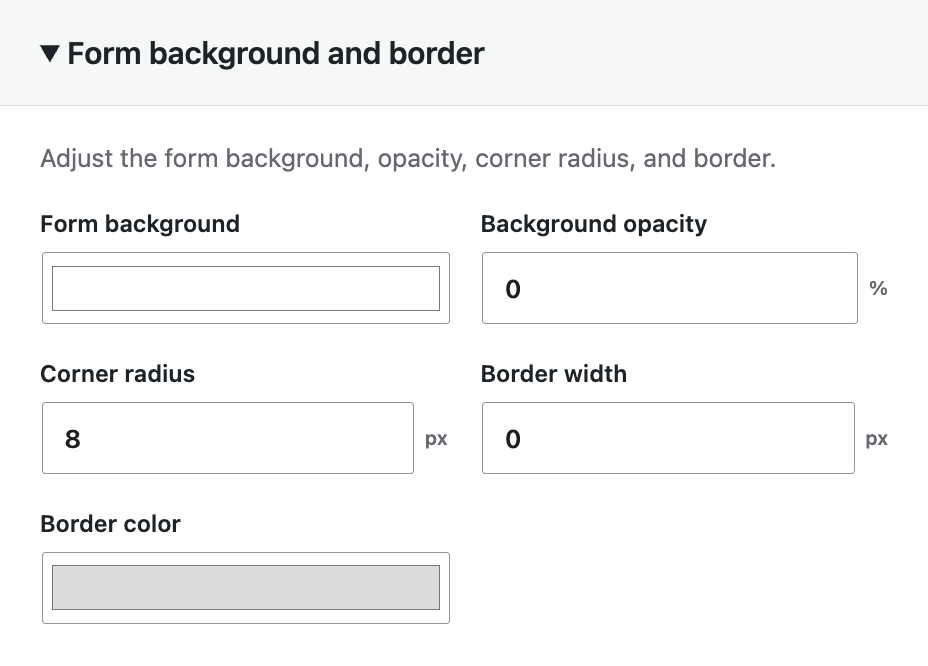
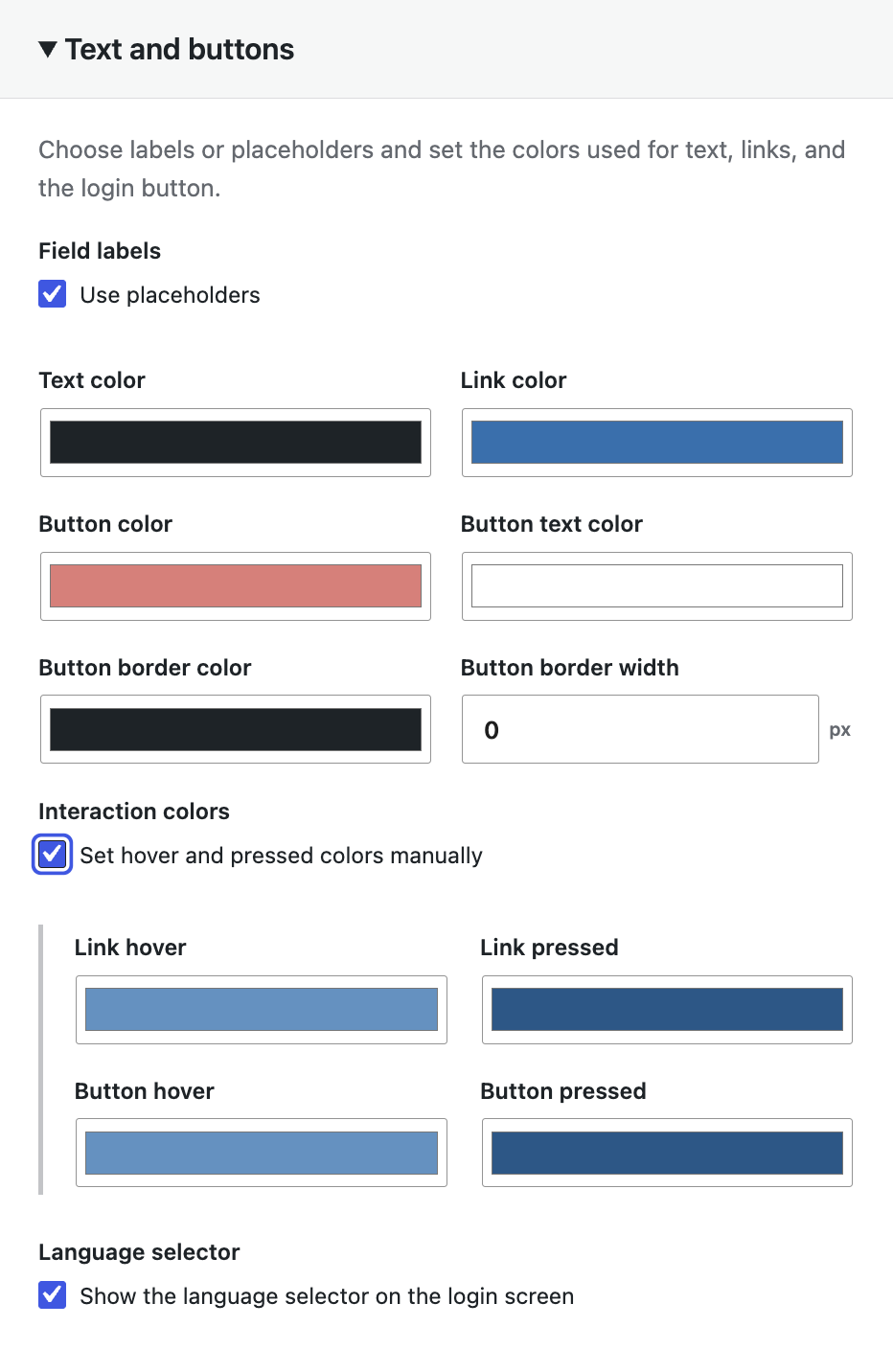
Coordinate the form, fields, text, links, and button. Hover and active colors are adjusted automatically according to brightness.
Keep the WordPress.com login and Jetpack authentication flow intact while styling it to fit the surrounding design.
On supported environments, add passkey login using device biometrics, a PIN, or a security key.
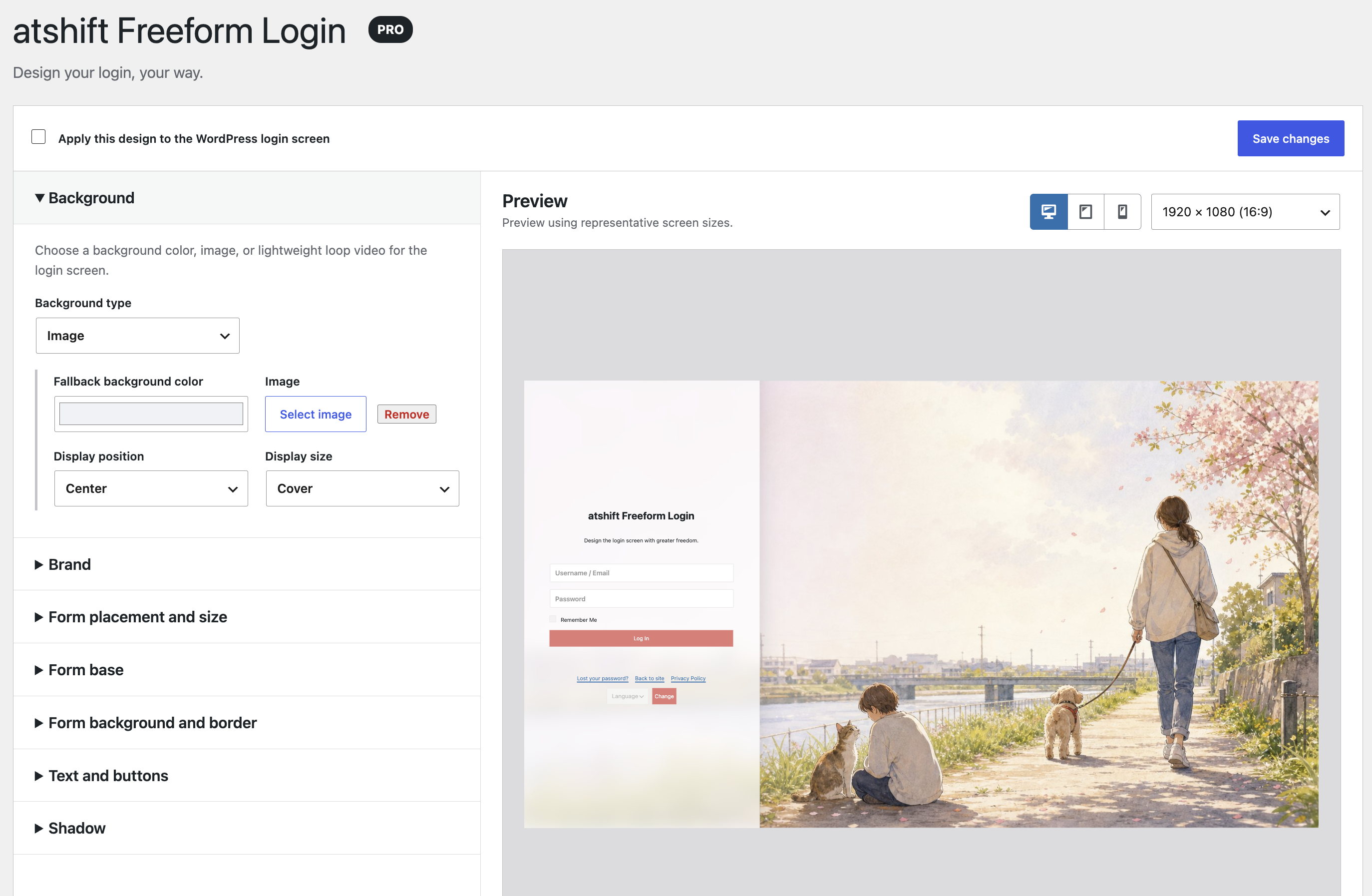
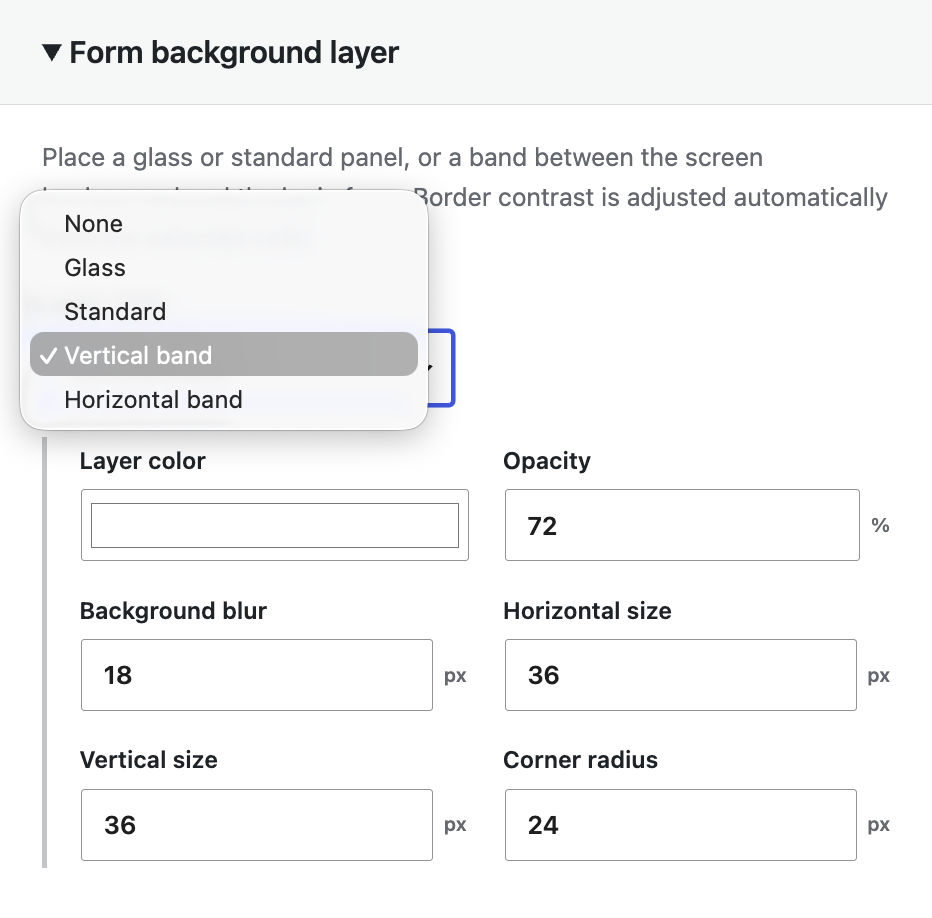
Pro includes everything in the free version, plus more detailed controls, looping video backgrounds, support for taller brand logo images, and form background layers placed between the background and login form.
Pro settings
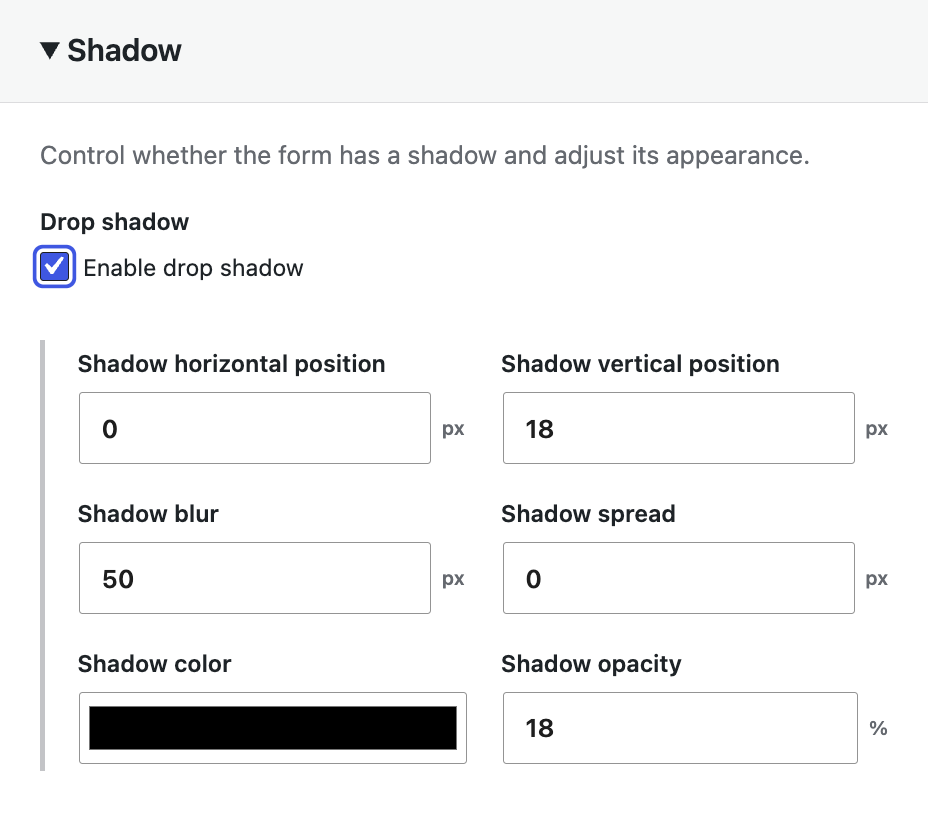
Open only the section you need and adjust each part of the login screen. Select an image to view the settings at full size.
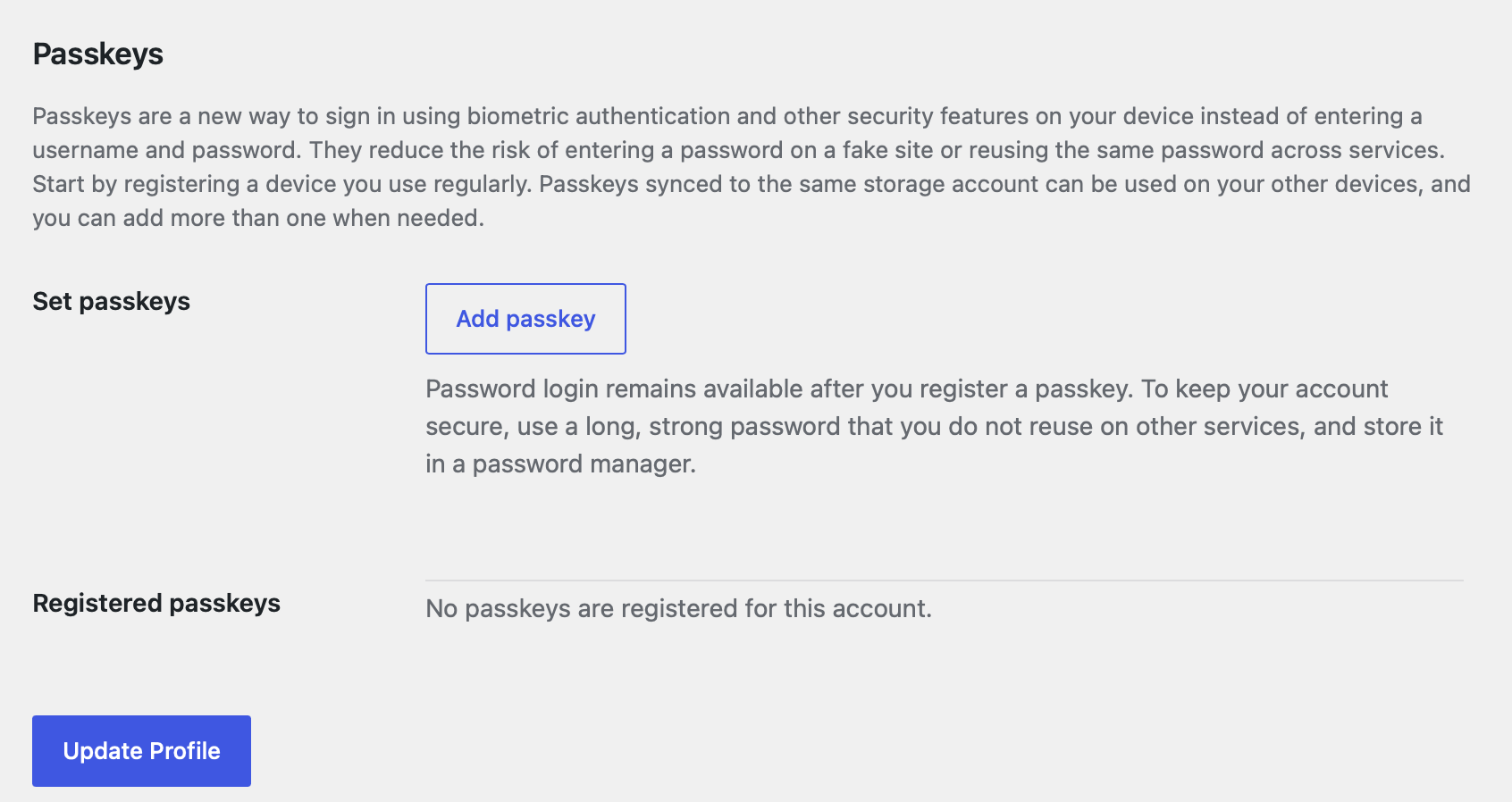
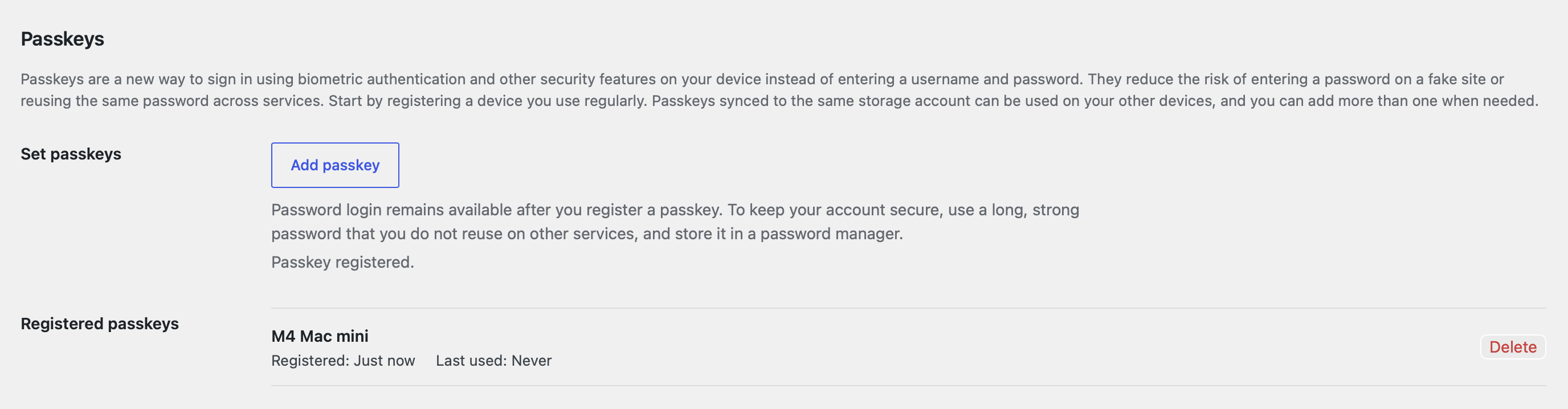
Passkeys
On supported environments, Freeform Login can add passkey sign-in alongside the normal password form using device biometrics, a PIN, or a security key.
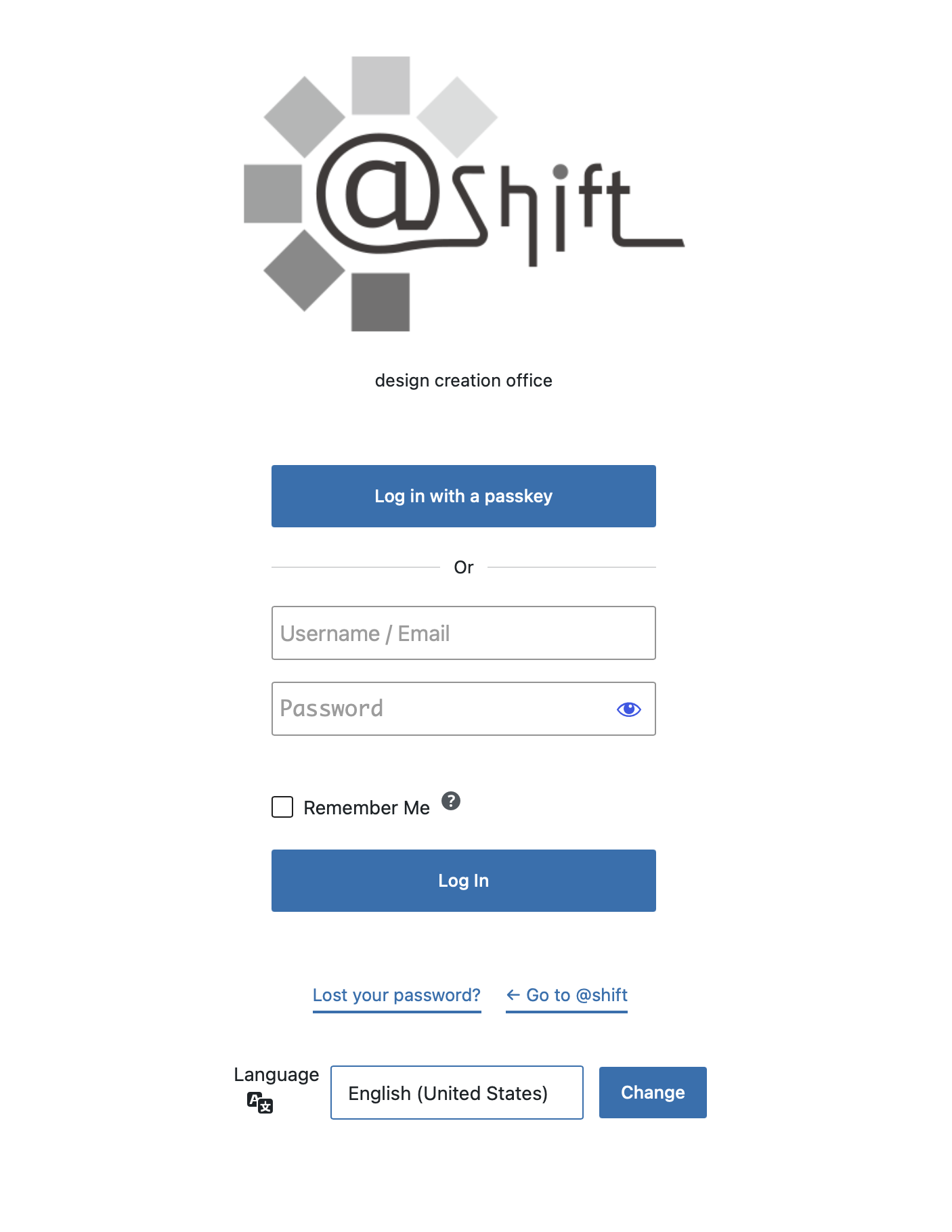
Add one shortcode to a page or post to display a login form that matches your saved design. Use it for member areas, internal portals, and customer-only pages.
[atshift_login]Attributes control the redirect, lost-password link, remember option, and Jetpack display.
The free plugin includes backgrounds, basic placement, colors, live preview, and the shortcode. Pro is a one-time add-on installed alongside the free plugin.This add-on is available as a WordPress plugin.
$0/forever
[atshift_login] shortcode$9.99/one time
Custom licensing
For multi-site use, perpetual licensing, or organization-wide deployment, request a quote tailored to your site count and operating model. We can also discuss arrangements that do not fit the standard license.
The support form opens with the quote category and Freeform Login Pro already selected.
Authentication, cookies, and password resets continue to use WordPress core. The plugin changes presentation and placement; it does not manage passwords independently.